



นำเข้าแอปพลิเคชัน Dify
บท
ร่างตัวอย่าง
คุณ
เขียน
aggrega draft --example import-difyจากsource ซึ่ง
cd import-dify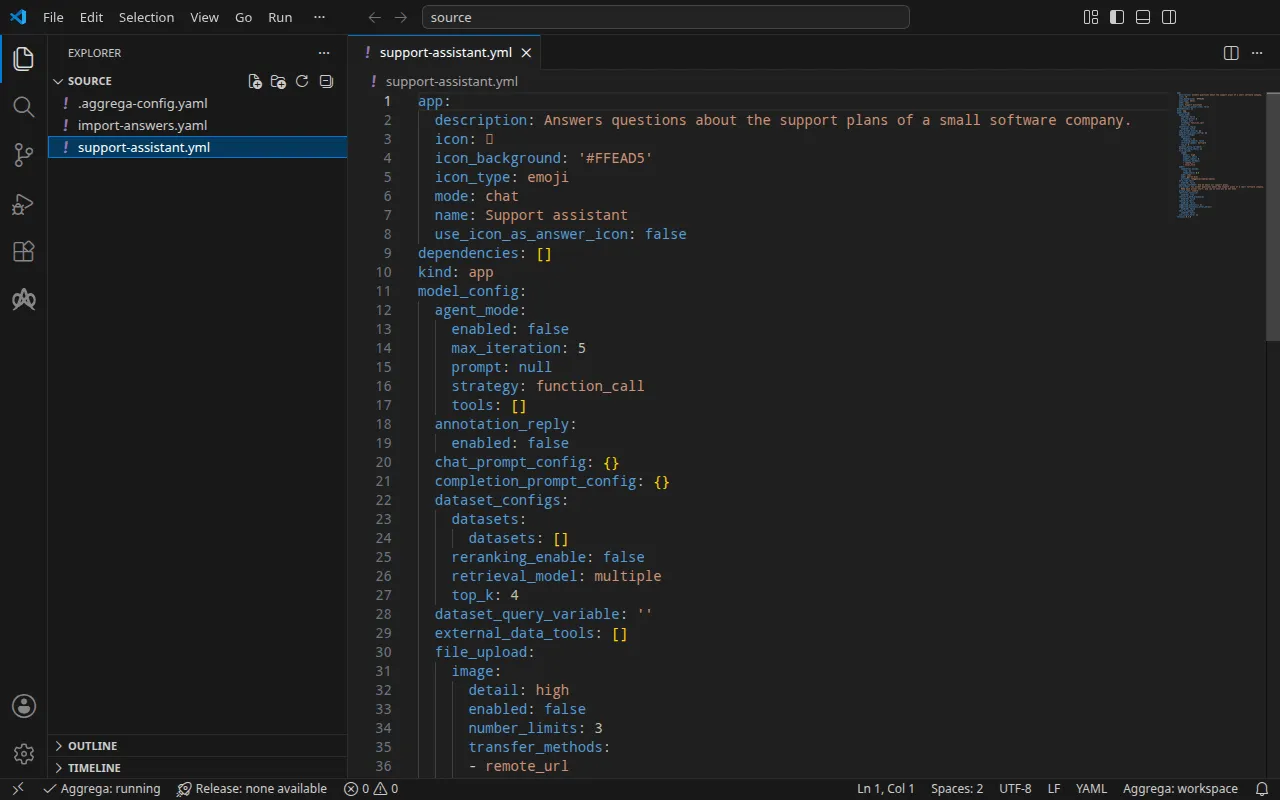
แอปพลิเคชัน
support-assistant.yml ที่0.7.0 ประกอบ
model: completion_params: stop: [] temperature: 0.4 mode: chat name: gpt-4o-mini provider: langgenius/openai/openaiข้าง.aggrega-config.yaml ที่
# The workspace key marks this directory as the workspace root, so an import run# here writes its drafts beside support-assistant.yml.workspace: {}# The registry the importer is fetched from the first time an import needs it.default_registry: hub.aggrega.aiและ import-answers.yaml เก็บ
# Values the import could not draft from the source, keyed by the drafted file and the key path inside# it. Write each one beside its key; an import of the same source, and a sync, read them from here and# ask nothing. A secret is never written here: its key asks where the secret comes from — a variable# name, ${NAME}, or the name of a Kubernetes Secret.release.yaml: # Passed down to core/dify's secret_key parameter, which has no default; that parameter's description # in core/dify says what the value is. spec.parameters.secret_key: "dify-credentials" # Email address of the installation's owner account, read only when values.app_definition is set. The # step that imports the application creates this account when it performs Dify's first-time setup, and # signs in as it; on an installation whose setup has already run, it names an existing account allowed # to import applications, and the password attached to the owner_password slot is that account's. # Required when values.app_definition is set: the build halts when it is empty. It has no default. spec.boundaries.platform.aggregates.dify.components.api.infra.owner_email: "owner@example.com" # The origin of the secret value, written by the operator in the Release. Read exactly as # values.origin is. Write it here or in values.origin, never in both. A secret: name where it comes # from, never the value. spec.boundaries.platform.aggregates.dify.components.api.features.owner_password.infra.origin: "dify-owner"owner@example.com แทนdify-credentials และ dify-owner คือ Secrets ที่ วิธี
พื้นที่AGGREGA_CATALOG_DIRS หรือworkspace.catalog_dirs — จะsource:
cd sourceรันการนำเข้า
การhelm:
aggrega import support-assistant.yml --target helmที่
wrote aggregate.yamlwrote release.yamlwrote manifest.yamlwrote .aggrega-import.jsonที่<workspace> แทน
[… omitted: a warning that the importer runs unverified, printed where its module is read from beside its Plugin entity in a catalog folder rather than fetched]read as the dify format, with drafted paths relative to <workspace>warn: node model_config.model (model) names the model "gpt-4o-mini" of the model provider "langgenius/openai/openai", whose credentials are set inside Dify, and core/ai-agent/dify configures that for itself rather than reaching it through a socket, so the draft wires no part for itmade no choice for model_config.model (model)Pull complete: <workspace>/release.lock (entities=25, source_artifacts=0, external_inputs=0)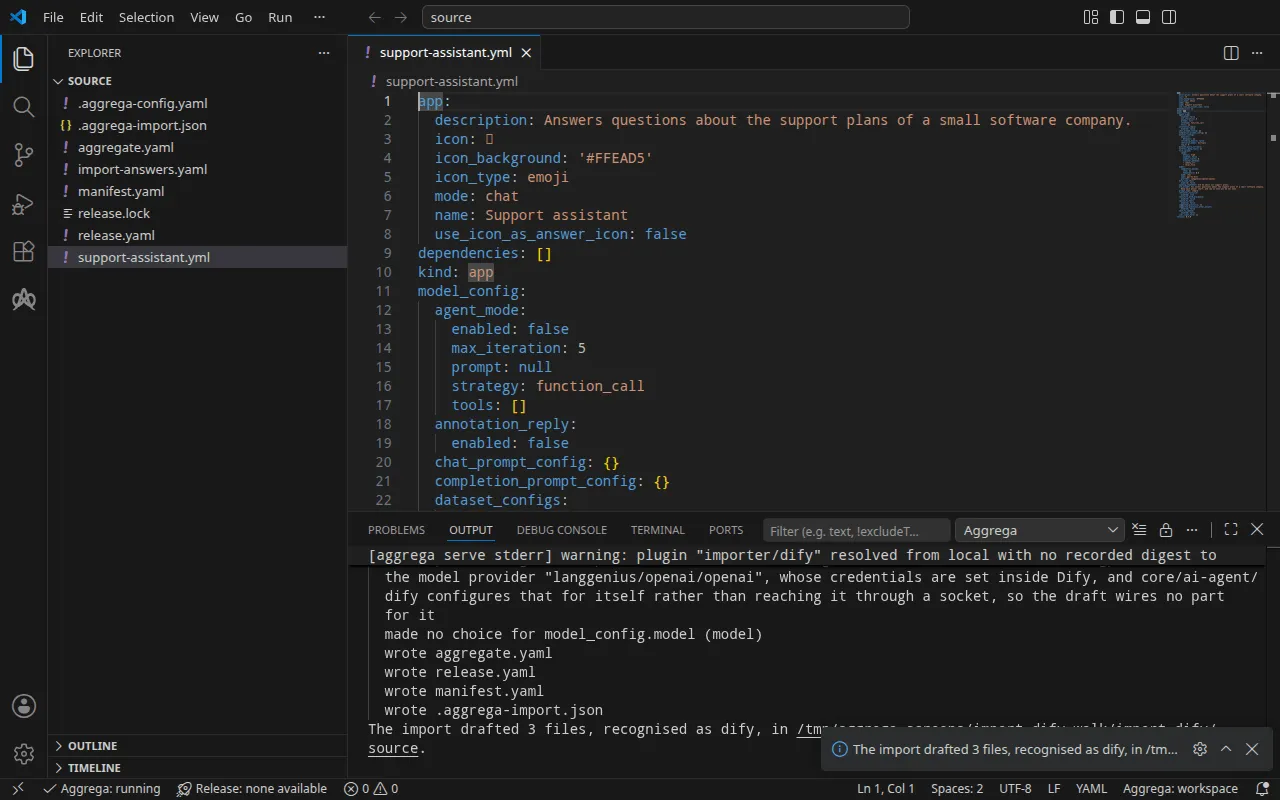
- บรรทัด
warnบอกว่า ทดสอบ แสดงโมเดล อยู่ ภายใน Dify: Dify กำหนด ค่า ผู้ ให้ บริการ โมเดล และ คีย์ ของ ผู้ ให้ บริการ เหล่า นั้น เอง ฉบับ ร่าง จึง ไม่ เชื่อม โยง โมเดล ใด เลย เมื่อ Dify รัน แล้ว คุณ ติด ตั้ง ผู้ ให้ บริการ OpenAI ของ Dify และ ตั้ง คีย์ ของ ผู้ ให้ บริการ นั้น ดัง ที่ - บรรทัด
Pull completeคือขั้น ตอน pull เมื่อ ทุก ค่า ได้ คำ ตอบ จาก ไฟล์ คำ ตอบ การนำ เข้า pull การ พึ่งพา ของ Release ที่ ร่าง ไว้ เหมือน ที่ aggrega pullทำ และเขียน release.lockบิลด์ด้าน ล่าง ไม่ ต้อง ใช้ สิ่ง ใด เพิ่ม
สิ่งที่การนำเข้าเขียน
Aggregate, Release และ Manifest ตั้งimported/support-assistant ตามSupport assistant ใต้ app ที่support-assistant — แอปพลิเคชันtarget_namespace ของimported เว้น
aggregate.yaml — การcore/dify ซึ่งaggregates โดยapp_definition ซึ่งsecret_key ของ
apiVersion: aggrega.ai/v1beta1kind: Aggregatemetadata: name: imported/support-assistant version: 0.1.0 description: Draft Aggregate imported from a source in the dify format.spec: parameters: secret_key: type: string required: true minLength: 1 description: "Passed down to core/dify's secret_key parameter, which has no default; that parameter's description in core/dify says what the value is." aggregates: # An import sees the Components of the workspace's catalog and none of its Aggregates, so it does not check that the catalog holds core/dify. dify: type: core/dify parameters: secret_key: "{{ .parameters.secret_key }}" app_definition: | app: description: Answers questions about the support plans of a small software company. [… omitted: the rest of the application, as exported] version: 0.7.0การcore/dify ฉบับsecret_key เป็นcore/dify กำหนด
release.yaml — Release ซึ่งplatform และ
apiVersion: aggrega.ai/v1beta1kind: Releasemetadata: name: imported/support-assistant # environment is a drafted default, since no source names the environment this Release deploys to; change it to name the one it deploys to. environment: development version: 0.1.0 description: Draft Release imported from a source in the dify format.spec: aggregate: imported/support-assistant manifest: imported/support-assistant parameters: # Left for the Release, since the source cannot supply it: secret_key, which the drafted Aggregate declares and passes down to core/dify; that parameter's description there says what the value is secret_key: "dify-credentials" boundaries: platform: aggregates: dify: components: api: infra: # Lets the installation reach Dify's plugin marketplace, which the plugin serving the application's model, such as OpenAI's, is installed from. marketplace_enabled: true # Left for the Release, since the source cannot supply it: components.api.infra.owner_email, the email of the installation's owner account the application is imported under, on the api component of core/dify owner_email: "owner@example.com" features: owner_password: type: core/referenced-secret infra: # Left for the Release, since the source cannot supply it: the name of a Kubernetes Secret already in the namespace holding, under the data key value, the owner account's password. origin: "dify-owner" worker: infra: # Lets the installation reach Dify's plugin marketplace, which the plugin serving the application's model, such as OpenAI's, is installed from. marketplace_enabled: true scheduler: infra: # Lets the installation reach Dify's plugin marketplace, which the plugin serving the application's model, such as OpenAI's, is installed from. marketplace_enabled: trueenvironmentคือdevelopmentซึ่งเป็น ค่า เริ่ม ต้น ที่ ความ คิด เห็น ด้าน บน บอก ให้ เปลี่ยน เป็น สภาพ แวดล้อม ที่ Release ปรับ ใช้ secret_keyคือชื่อ ของ Secret ที่ เก็บ ข้อมูล ลับ ของ แอปพลิเคชัน คือ dify-credentialsภายใต้ คีย์ ข้อมูล ที่ การ ติด ตั้ง ระบุ คือ secret-key: Manifest อ่านข้อมูล รับรอง ทุก รายการ จาก Secret ที่ มี อยู่ ใน เนมสเปซ แล้ว - บัญชี
เจ้าของ ตั้งค่า บน ส่วน ประกอบ apiของการ ติด ตั้ง ใน รายการ การ กำหนด เส้น ทาง ที่ วาง การ ติด ตั้ง ไว้ ใน แนว เขต ของ ตน ได้แก่ อีเมล และ รหัส ผ่าน ที่ แนบ เป็น core/referenced-secretซึ่งระบุ Secret ที่ เก็บ รหัส ผ่าน นั้น คือ dify-ownerภายใต้ คีย์ ข้อมูล valueความคิด เห็น ด้าน บน ค่าที่ ตอบ แล้ว บอก ว่า เหตุ ใด การนำ เข้า จึง ร่าง ค่า เหล่า นั้น ไม่ ได้ marketplace_enabledเป็นtrueบนเซิร์ฟเวอร์ API คือ apiworker และตัว ทดสอบ แสดง ทั้งจัด ตาราง เวลา ของ เซิร์ฟเวอร์ นั้น ใน ทุก เป้า หมาย: การ ติด ตั้ง ไม่ เข้า ถึง สิ่ง ใด ของ ผู้ จำหน่าย Dify เลย เว้น แต่ Release อนุญาต และ ผู้ ให้ บริการ OpenAI ที่ แอปพลิเคชัน ใช้ ตอบ เป็น ปลั๊กอิน ที่ Dify ติด ตั้ง จาก ตลาด ปลั๊กอิน ของ ตน ดัง ที่ สาม ตัว อ่าน การ ตั้ง ค่า ของ ตนเอง
manifest.yaml — Recipe ของ Helm สำหรับ
apiVersion: aggrega.ai/v1beta1kind: Manifestmetadata: name: imported/support-assistant version: 0.1.0spec: mappings: components: type: core/datastore/postgres: helm/postgres core/datastore/redis: helm/redis core/datastore/weaviate: helm/weaviate core/ai-agent/dify-ssrf-proxy: helm/dify-ssrf-proxy core/ai-agent/dify-sandbox: helm/dify-sandbox core/ai-agent/dify-plugin-daemon: helm/dify-plugin-daemon core/ai-agent/dify: helm/dify core/ai-agent/dify-worker: helm/dify-worker core/ai-agent/dify-worker-beat: helm/dify-worker-beat core/ai-agent/dify-web: helm/dify-web features: type: core/referenced-secret: helm/k8s-existing-secret--target แมปhelm/postgres
.aggrega-import.json คือaggrega import --sync ครั้งrelease.lock ปัก
ตรวจสอบความถูกต้องและบิลด์
aggrega validate --release release.yamlaggrega build --release release.yaml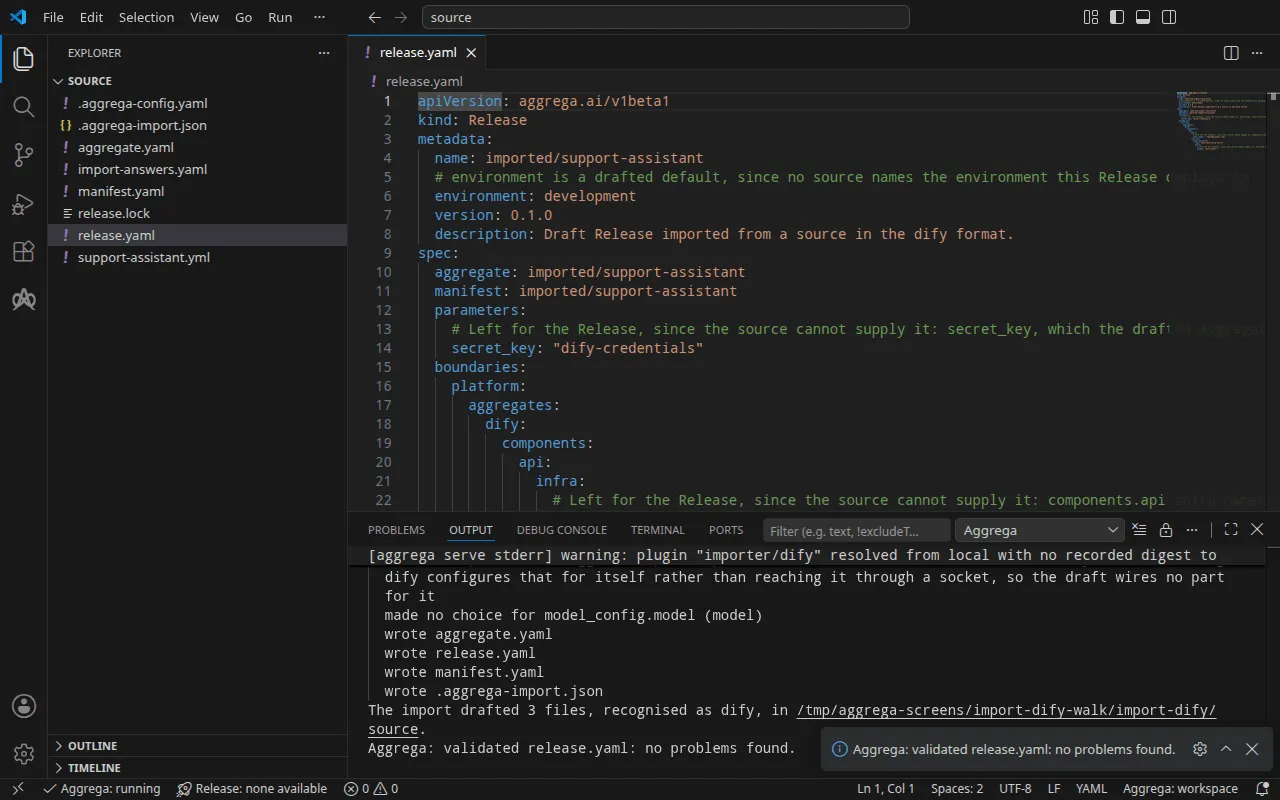
การ
notice: LINT: Feature "core/referenced-secret" at core/referenced-secret:1.0.0 declares property "origin" in both values: and infra: pillars (path: origin)release dependency validation passed: release.yaml (schema-pillar + dependency pillars)และ<workspace> แทน
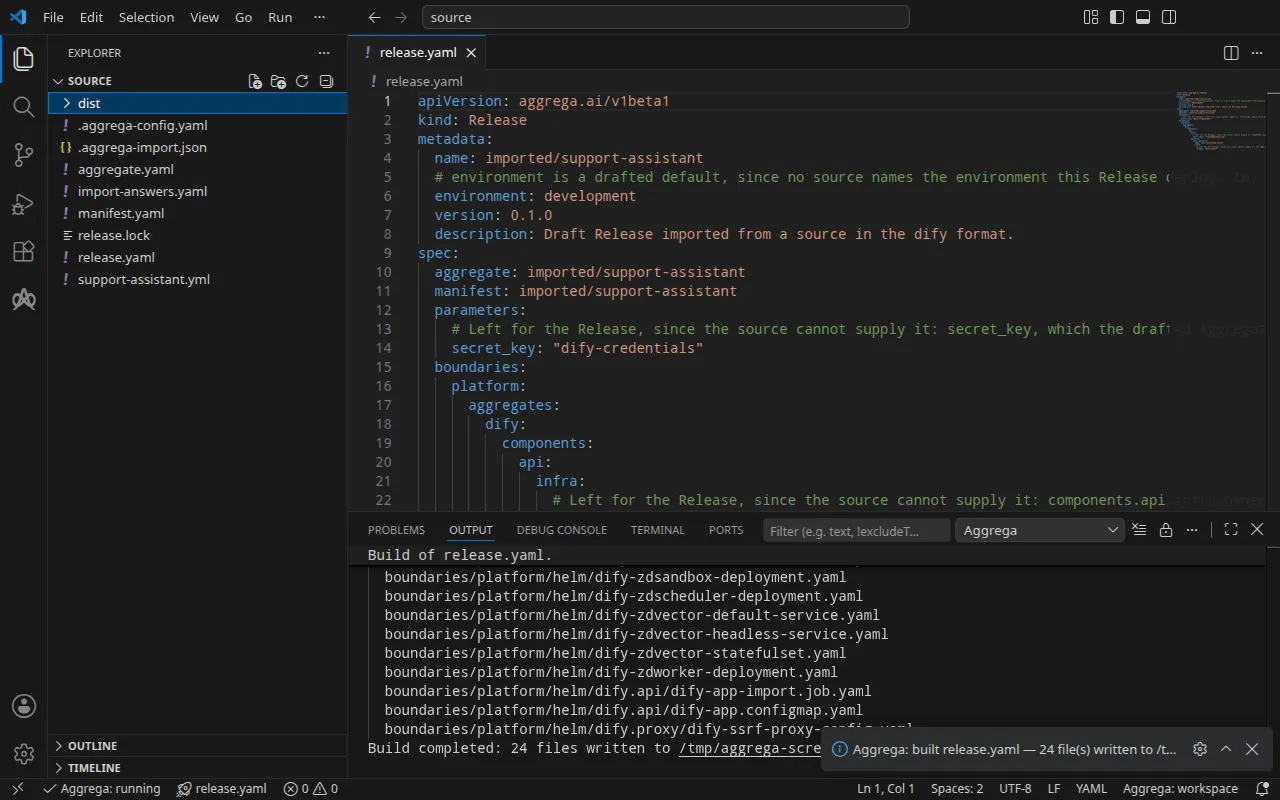
notice: LINT: Feature "core/referenced-secret" at core/referenced-secret:1.0.0 declares property "origin" in both values: and infra: pillars (path: origin)[… omitted: a total build time, which differs per run]Build completed: 24 files written to <workspace>/distบรรทัด notice เป็นorigin จาก values ของ Aggregate หรือ infra ของ Release และ
บิลด์dist/boundaries/platform/helm/ ในdify.api/dify-app-import.job.yaml Job นี้
spec: podFailurePolicy: rules: - action: FailJob onExitCodes: containerName: import operator: In values: [2] template: spec: restartPolicy: Never containers: - name: import image: "langgenius/dify-api:1.17.0" command: ["python", "/seed/import.py"] env: - name: DIFY_API_URL value: "http://dify-zdapi-default:5001" - name: OWNER_EMAIL value: "owner@example.com" - name: OWNER_PASSWORD valueFrom: secretKeyRef: name: "dify-owner" key: "value" volumeMounts: - name: seed mountPath: /seed readOnly: true volumes: - name: seed configMap: name: dify-zdapi-appตัวapp.name podFailurePolicy ของ Job ทำให้ Job ล้ม
กับผู้ช่วย AI
ผู้
ใช้เฉพาะเครื่องมือของ Aggrega และอย่าสร้างโฟลเดอร์เอง หากโฟลเดอร์พื้นที่ทำงานยังไม่มีโฟลเดอร์ `import-dify` เรียกเครื่องมือ `draft` หนึ่งครั้ง โดยตั้ง `example` เป็น `import-dify` และไม่ระบุ `dir`: เครื่องมือเขียนตัวอย่างลงในโฟลเดอร์ `import-dify` ใหม่ ซึ่งโฟลเดอร์ `source` ของโฟลเดอร์นั้นเก็บสิ่งที่หน้านี้นำเข้า จากนั้นเรียกเครื่องมือ `import` โดยตั้ง `workspace_root` เป็น `import-dify/source` ตั้ง `source` เป็น `support-assistant.yml` และตั้ง `target` เป็น `helm`: เครื่องมืออ่านคำตอบที่ต้องใช้จาก `import-answers.yaml` ข้าง `support-assistant.yml` เขียนฉบับร่างลงใน `import-dify/source` และ pull สิ่งที่ฉบับร่างต้องใช้ จากนั้นเรียกเครื่องมือ `validate` โดยตั้ง `workspace_root` เป็น `import-dify/source` และตั้ง `release` เป็น `release.yaml` และเรียกเครื่องมือ `build` โดยตั้ง `workspace_root` เป็น `import-dify/source` ตั้ง `release` เป็น `release.yaml` และตั้ง `write` เป็น true บอกฉันว่าบิลด์เขียนไฟล์ใดบ้าง ไฟล์เหล่านั้นอยู่ใต้ `import-dify/source/dist/`เปิดใน VS Code
เปิดimport-dify/source ใน VS Code ที่release.yaml ที่compose แล้ว Aggrega: Select Release… เลือก Release ที่dist/ ของ
วิธีรัน
ก่อนdify-owner ซึ่งvalue และ dify-credentials ซึ่งsecret-key ข้อมูลcore/dify กำหนด และdify-db-password-for-evaluation-only ภายdb-password, dify-code-execution-key-for-evaluation-only ภายcode-execution-key, dify-plugin-daemon-key-for-evaluation-only ภายplugin-daemon-key และ dify-inner-api-key-for-evaluation-only ภายinner-api-key สร้าง Secrets อีกcore/dify ในdify ของ Aggregate ใต้ parameters เป็น db_password, code_execution_key, plugin_daemon_key และ inner_api_key
ตั้งDIFY_OWNER_PASSWORD เพราะfirst-time setup was refused with HTTP 422: Validation error for parameter 'payload' ซึ่งkubectl wait --for=condition=failed job/dify-zdapi-app-import --timeout=15m ในdify-owner สร้าง Secret ใหม่
เขียน= และdify-credentials.env พร้อม secret-key=, db-password.env พร้อม db-password=, code-execution-key.env พร้อม code-execution-key=, plugin-daemon-key.env พร้อม plugin-daemon-key= และ inner-api-key.env พร้อม inner-api-key= จาก
printf 'value=%s\n' "$DIFY_OWNER_PASSWORD" > dify-owner.envkubectl create secret generic dify-owner --from-env-file=dify-owner.envkubectl create secret generic dify-credentials --from-env-file=dify-credentials.envkubectl create secret generic dify-db-password-for-evaluation-only --from-env-file=db-password.envkubectl create secret generic dify-code-execution-key-for-evaluation-only --from-env-file=code-execution-key.envkubectl create secret generic dify-plugin-daemon-key-for-evaluation-only --from-env-file=plugin-daemon-key.envkubectl create secret generic dify-inner-api-key-for-evaluation-only --from-env-file=inner-api-key.envrm dify-owner.env dify-credentials.env db-password.env code-execution-key.env plugin-daemon-key.env inner-api-key.envนำ-R เข้าdify.api/ และ dify.proxy/ — จาก
kubectl apply -R -f dist/boundaries/platform/helm/kubectl wait --for=condition=complete job/dify-zdapi-app-import --timeout=15mkubectl logs job/dify-zdapi-app-importkubectl rollout status statefulset/dify-zdpluginsservice/dify-zdapi-default createddeployment.apps/dify-zdapi created[… omitted: a line for each of the other Services, Deployments and StatefulSets]job.batch/dify-zdapi-app-import createdconfigmap/dify-zdapi-app createdconfigmap/dify-zdproxy-config createdjob.batch/dify-zdapi-app-import condition metfirst-time setup done: owner account owner@example.comimported 'Support assistant' as application 7e03e85c-b13f-4ddc-b539-040470a61d4cpartitioned roll out complete: 1 new pods have been updated...บันทึก
ทดสอบ
API ของ Dify ตอบhttp://127.0.0.1:5001 บน Kubernetes ส่งdify-zdapi-default ใน
kubectl port-forward -n <namespace> svc/dify-zdapi-default 5001:5001บน Docker Compose ที่http://127.0.0.1:3001 เปิด http://127.0.0.1:3001/signin ซึ่ง/ เปลี่ยนhttp://127.0.0.1:5001 และ API ของ Dify ตอบconsole_url ที่http://127.0.0.1:3001 จึงconsole_url ตาม
แอปพลิเคชันDIFY_OWNER_PASSWORD ไว้ ลงชื่อcookies.txt คำขอX-CSRF-Token คำขอCSRF token is missing or invalid.
printf '{"email": "owner@example.com", "password": "%s"}' "$(printf %s "$DIFY_OWNER_PASSWORD" | base64 | tr -d '\n')" | curl -sS -c cookies.txt http://127.0.0.1:5001/console/api/login -H 'Content-Type: application/json' -d @-CSRF=$(awk '$6 == "csrf_token" {print $7}' cookies.txt){"result":"success"}ผู้marketplace_enabled ที่
curl -sS -b cookies.txt -H "X-CSRF-Token: $CSRF" -H 'Content-Type: application/json' \ http://127.0.0.1:5001/console/api/workspaces/current/plugin/install/marketplace \ -d '{"plugin_unique_identifiers": ["langgenius/openai:1.1.0@1ded02acee56efd5788c86fd447d792e4923e959554a4942f440c7859d164340"]}'{"all_installed":false,"task_id":"01a1dc0a-653d-756b-a104-e5d6d1e43695","task":null}เมื่อmarketplace_enabled ออก{"code":"invalid_param","message":"marketplace is not enabled","status":400} การtask_id ที่status ของsuccess:
curl -sS -b cookies.txt -H "X-CSRF-Token: $CSRF" \ http://127.0.0.1:5001/console/api/workspaces/current/plugin/tasks/<task id>{"task":{"id":"01a1dc0a-653d-756b-a104-e5d6d1e43695",[… omitted: when it was created and last updated],"status":"success","total_plugins":1,"completed_plugins":1,"plugins":[{"plugin_unique_identifier":"langgenius\/openai:1.1.0@1ded02acee56efd5788c86fd447d792e4923e959554a4942f440c7859d164340",[… omitted: the plugin's status, its icon and its names in four languages]}]}}เขียนopenai.json เป็น {"credentials": {"openai_api_key": "your OpenAI key"}} ตั้ง
curl -sS -b cookies.txt -H "X-CSRF-Token: $CSRF" -H 'Content-Type: application/json' \ http://127.0.0.1:5001/console/api/workspaces/current/model-providers/langgenius/openai/openai/credentials \ -d @openai.jsonrm openai.jsonDify ตรวจ{"result":"success"} สำหรับ
{"code":"invalid_param","message":"Error code: 401 - {'error': {'message': 'Incorrect API key provided: sk-place*****************-key. You can find your API key at https:\/\/platform.openai.com\/account\/api-keys.', 'type': 'invalid_request_error', 'code': 'invalid_api_key', 'param': None}, 'status': 401}","status":400}แอปพลิเคชันdocker compose -p support-assistant -f ../dist/boundaries/platform/compose/docker-compose.yaml logs dify-zdapi-app-import:
curl -sS -X POST -b cookies.txt -H "X-CSRF-Token: $CSRF" \ http://127.0.0.1:5001/console/api/apps/<application id>/api-keys{"id":"8d6c1eb1-cf61-4825-9b04-f32689ed0489","type":"app","token":"[… omitted: the key]","last_used_at":null,"created_at":1794693042}และtoken ของ
curl -sS http://127.0.0.1:5001/v1/chat-messages \ -H 'Authorization: Bearer <app key>' -H 'Content-Type: application/json' \ -d '{"inputs": {}, "query": "In one short sentence: what does a support plan cover?", "response_mode": "blocking", "user": "test-it"}'เมื่อ
{"code":"provider_not_initialize","message":"Model gpt-4o-mini credentials is not initialized.","status":400}การanswer
บน Kubernetes หยุด
kubectl delete -R -f dist/boundaries/platform/helm/kubectl delete secret dify-owner dify-credentials dify-db-password-for-evaluation-only dify-code-execution-key-for-evaluation-only dify-plugin-daemon-key-for-evaluation-only dify-inner-api-key-for-evaluation-onlykubectl delete pvc data-dify-zddb-0 storage-dify-zdplugins-0 data-dify-zdvector-0rm cookies.txtKubernetes เก็บ volume claim ที่ StatefulSet สร้างdocker compose -p support-assistant -f ../dist/boundaries/platform/compose/docker-compose.yaml down -v ลบ
บน Docker Compose
แอปพลิเคชันcompose จากsource แล้ว จึง--output-dir การนำ
aggrega import support-assistant.yml --target compose --output-dir composeDocker Compose ไม่มี Secret ให้compose ฉบับ
info: the answers file <workspace>/import-answers.yaml also answers spec.boundaries.platform.aggregates.dify.components.api.features.owner_password.infra.origin in release.yaml, spec.parameters.secret_key in release.yaml, which these drafts do not leave empty; those answers are kept there and not appliedRelease ที่DIFY_SECRET_KEY และDIFY_OWNER_PASSWORD และconsole บน
parameters: # Passed by reference, never as a value: secret_key, which the drafted Aggregate declares and passes down to core/dify; that parameter's description there says what the value is; it is read from the variable DIFY_SECRET_KEY, which a target substituting variable references, as Docker Compose does when the stack starts, reads from the environment, so no file carries the value. secret_key: "${DIFY_SECRET_KEY}" [… omitted: the boundary, the marketplace switch, and the owner's email, answered as above] # Published on this machine's loopback address, 127.0.0.1: reachable from this machine only, by any process running on it. Delete this line to keep the service internal. published_port: 5001 console_url: "http://127.0.0.1:3001" features: owner_password: type: core/referenced-secret infra: # Attached by reference, never as a value: the owner account's password, read from the variable DIFY_OWNER_PASSWORD, which a target substituting variable references, as Docker Compose does when the stack starts, reads from the environment, so no file carries the value. origin: "${DIFY_OWNER_PASSWORD}" [… omitted: the worker and the scheduler, each with the marketplace switch, as above] console: infra: # Published on this machine's loopback address, 127.0.0.1: reachable from this machine only, by any process running on it. Delete this line to keep the service internal. published_port: 3001แต่ละconsole_url ของ
Manifest แมปcore/referenced-secret ไปcompose/dotenv-referenced-secret ซึ่ง
cd composeaggrega validate --release release.yamlaggrega build --release release.yamlบิลด์dist ที่source ซึ่ง.aggrega-config.yaml: ไฟล์ Compose คือ source/dist/boundaries/platform/compose/docker-compose.yaml ซึ่งcompose คือ ../dist/boundaries/platform/compose/docker-compose.yaml และdist ภายใน compose เลย ไฟล์SECRET_KEY: ${DIFY_SECRET_KEY} และ OWNER_PASSWORD: ${DIFY_OWNER_PASSWORD} แทนที่.env ข้าง
ข้อมูลcore/dify กำหนด และDB_PASSWORD: dify-db-password-for-evaluation-only โดย POSTGRES_PASSWORD บนdify-code-execution-key-for-evaluation-only, dify-plugin-daemon-key-for-evaluation-only และ dify-inner-api-key-for-evaluation-only ผู้dify ใต้ parameters ภายcore/dify ใช้db_password, code_execution_key, plugin_daemon_key หรือ inner_api_key — เหมือนsecret_key และparameters ของ Release Release ที่db_password: "${DIFY_DB_PASSWORD}" จะDB_PASSWORD: ${DIFY_DB_PASSWORD} และ POSTGRES_PASSWORD: ${DIFY_DB_PASSWORD} ซึ่ง
เริ่มcompose โดย
export DIFY_SECRET_KEY='a long random value of your own'export DIFY_OWNER_PASSWORD='a password of your own'docker compose -p support-assistant -f ../dist/boundaries/platform/compose/docker-compose.yaml up -d --wait--wait คืน
first-time setup done: owner account owner@example.comimported 'Support assistant' as application 7fae73f4-826b-4918-a623-a3383aa0da8cทดสอบ เข้า