

Use Aggrega in Visual Studio Code
This section covers the Aggrega extension for Visual Studio Code: what it needs, how it gets the compiler, its welcome page and features, selecting a Release, what happens when the language server is not running, and its commands and settings.
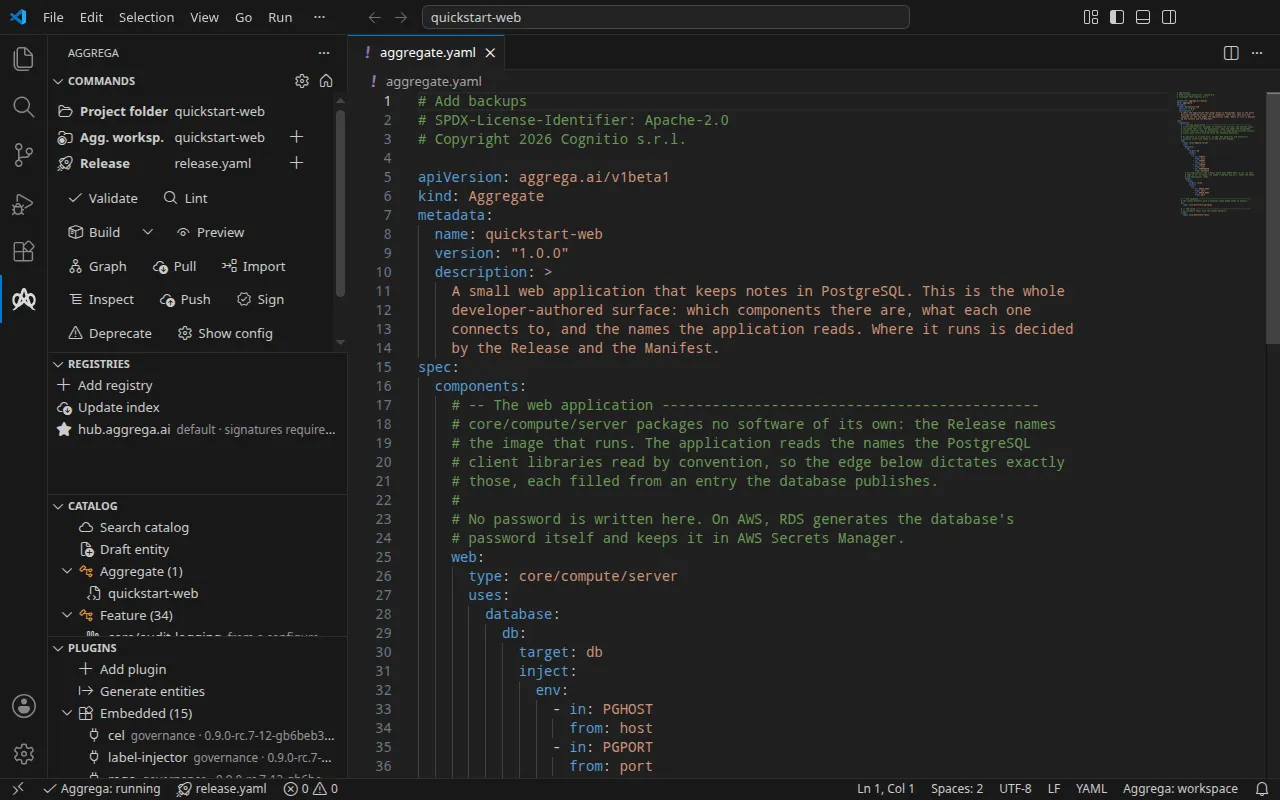
The pages of this section
- Set up the extension — what the extension needs, where to install it from, and how it gets the compiler.
- The welcome page — the page listing what the extension needs in the workspace you have open.
- The Aggrega view — the Commands, Registries, Catalog and Plugins panels.
- The topology graph — the selected Release drawn as an interactive graph.
- Choose the Release you work on — the one Release the editor acts on, and how to select it.
- Import into Aggrega — drafting Aggrega authoring files from a source another tool wrote.
- Commands — what a command does when you run it, and the commands the extension contributes.
- Settings — the extension’s settings.
- The language server — its state, what happens when it is not running, and its lifecycle.
Editing features
- Diagnostics — YAML and schema validation surfaced inline as you edit, and for every open file each time a language server starts, checked against the selected Release.
- Go to Definition — jump from
extends,implements,provider,uses,recipe,aggregate,manifestreferences to their target entity files. - Find References / Implementations — list every reference to or implementation of an entity.
- Hover — kind-aware summaries for catalog and release entities. With a Release selected, the entity a reference names is the one that Release resolves it to: it is looked up through the catalog directories the Release builds against first, then among the documents it reads. With none selected, it is looked up among the documents the Aggrega workspace holds and the ones the language server has validated first, then through the catalog directories your configuration names for the whole workspace, wherever they sit — so a standard-library Component shows its summary either way.
- Completion — context-aware suggestions for entity kinds, API versions, schema keywords, primitives, label values, providers, paths, and intra-document component keys.